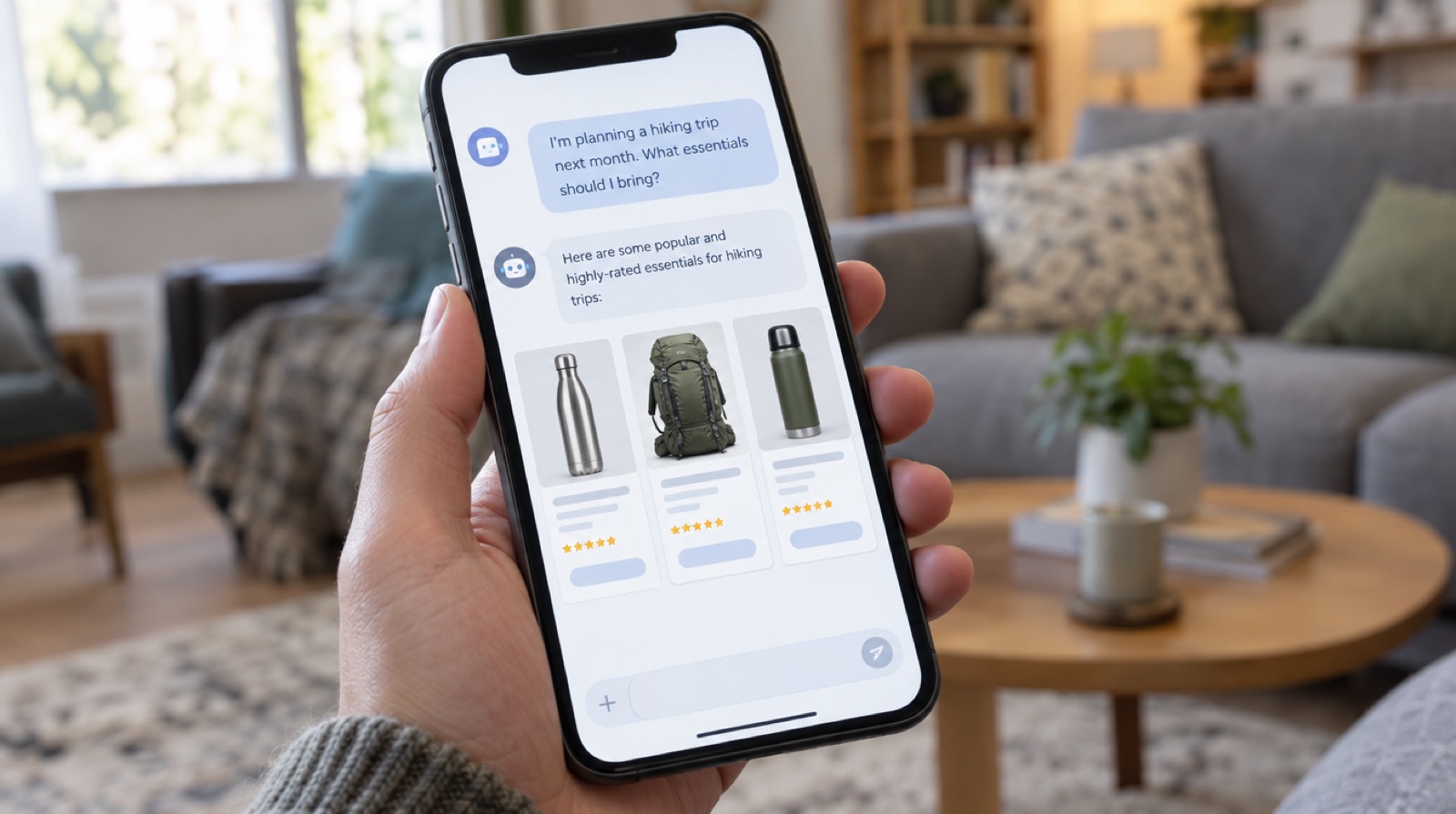
If you’re still looking for Rufus on Amazon US, you won’t find it under that name. On May 13, 2026, Amazon renamed its shopping assistant Alexa for Shopping. It merges Rufus with Alexa+, the voice assistant, and it’s built right into search.
For a seller, the name doesn’t matter much. What matters is that more and more shoppers ask an AI a question instead of typing a keyword. And that AI doesn’t show them 48 results. It shows them a few.
Rufus already answered shopper questions using your product page, your reviews and your Q&A. Amazon says it helped more than 300 million customers research and compare products in 2025.
Alexa for Shopping goes further. It also uses the shopper’s history: what they bought, what they looked at, and what they told Alexa. It’s available in the Amazon app, on the website and on Echo Show devices. The rollout starts with US customers.
In Europe, Rufus still answers in the app. But what lands in the US usually reaches Europe later. And if you already sell in the US, this concerns you now.
How the AI picks the products it shows
Amazon doesn’t publish the algorithm. But looking at the answers and at what testing sellers report, three sources keep coming back.
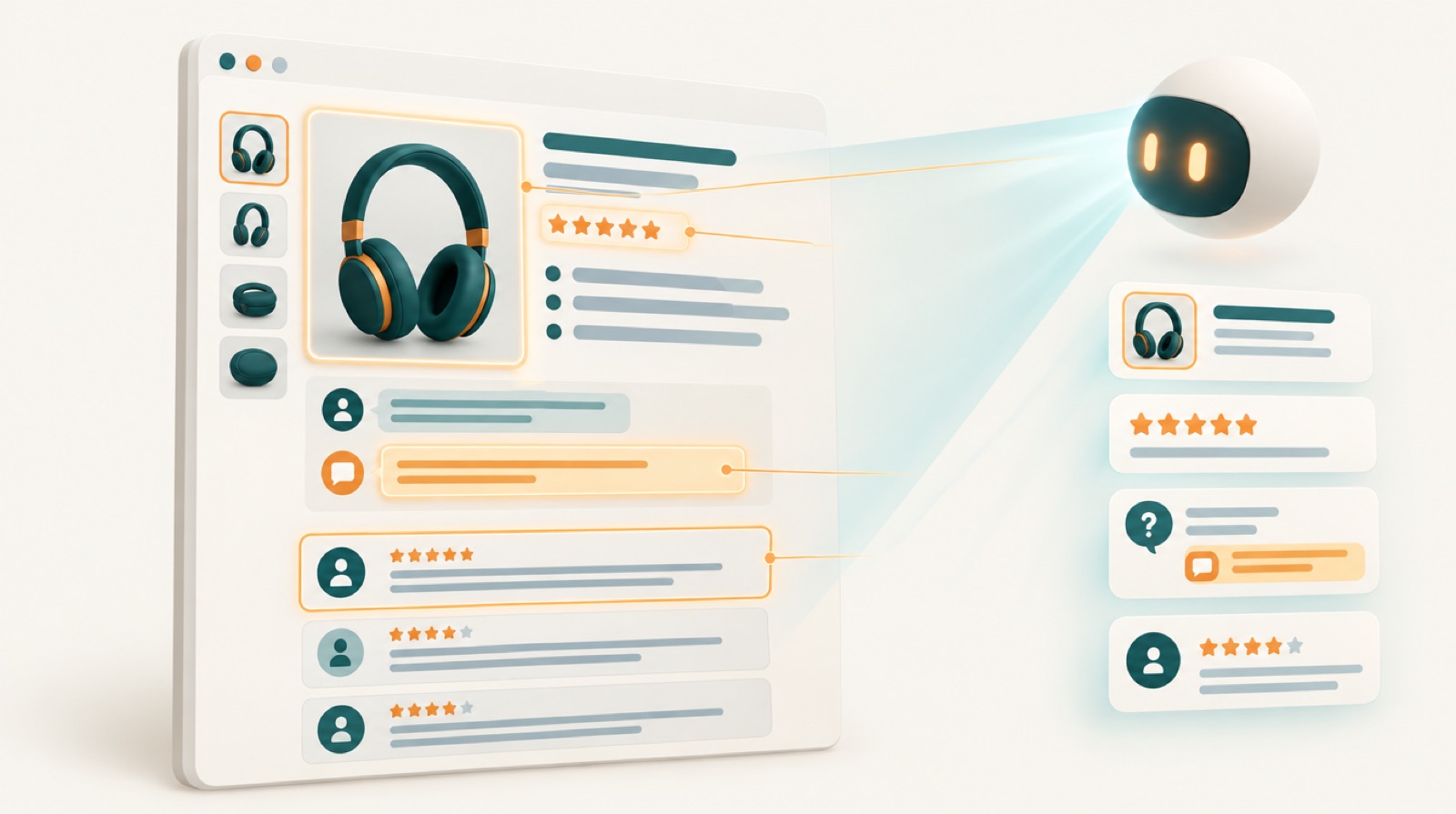
Your product page. Title, bullets, description, A+ content and above all the backend attributes. An empty attribute is a question the AI can’t answer with your product.
Your reviews. The AI reads what customers actually say. If 20 reviews mention a size that runs small, it will tell the shopper who asks “does it run large”.
Q&A. Every unanswered question is a missed chance.
The big difference with classic search is meaning. The shopper no longer types “stainless water bottle 1l”. They ask “a bottle that keeps water cold for a full day of hiking”. Your exact keyword matters less. Whether your page answers that need matters more.
Adapt your product page in 5 steps
1. Write for questions. Take the 10 questions your customers ask most (in reviews, messages, Q&A) and make sure the answer is on your page, in plain words.
2. Talk about use, not just specs. “25 oz, double wall stainless” is fine. “Keeps water cold for 24 hours, fits a car cup holder” is what the AI will pick up.
3. Fill every attribute. Material, dimensions, target audience, use case. It’s tedious, and it’s where most listings lose.
4. Fix recurring complaints in the product. If a flaw keeps coming up, fix it or say it plainly on the page. The AI will read it in the reviews anyway.
5. Don’t stuff keywords. An unreadable listing half worked with the old algorithm. With an AI reading the text, it hurts you.
What about ads
Amazon added sponsored placements inside the assistant’s answers, called Sponsored Prompts. You don’t build a special campaign. Amazon extends some Sponsored Products campaigns itself, mostly auto and broad match.
The problem is control. You can’t bid on them, target them or exclude them. And reporting is thin. Some sources say these placements are billed since March 25, 2026, others say they’re still free. Check in your account before planning a budget.
What we recommend: keep at least one well fed auto campaign on your best sellers. That’s the one most likely to show up in the AI’s answers. And watch your search terms: long natural language queries show up there more and more.
Measuring whether it works
This is the real headache. Amazon doesn’t tell you how many times the assistant recommended your product.
What you can measure is your rank on the keywords that matter, organic and sponsored, day after day. If you improve your listing and your rank goes up on long queries, that’s a good sign.
That’s exactly why we launched the Rank Tracker in PPC Assist on November 3. You track your organic and sponsored position on every keyword, with your ad data on the same row. Kong, our agent, then tells you what to do: raise the bid on a keyword where you’re slipping, or lower it where organic holds on its own. Packs go from 100 to 2,500 keywords for $9 to $79 a month. For comparison, Helium 10 is at $129 and $359 a month on its plans. More on the features page.
And if you use Claude or ChatGPT, you can ask about your rankings right from the chat with the PPC Assist MCP server.
Bottom line
Rufus or Alexa for Shopping, the message is the same. Shoppers talk to an AI, and the AI reads your page, your reviews and your Q&A. A complete, honest listing beats a title stuffed with keywords.
Start with your 3 best products. Rewrite the listings around your customers’ real questions, and track your rank for a month to see the effect.

 Nassuf